FLANELLE
  • Magazines
  • Directory
  • Interviews
  • Fashion
  • Travel
  • Culture
  • Contact
  • Advertise With Us
  • Advertise With Us
  • Submit Your Work
  • Request a Pull-Letter
  • About Us
  • Contact
FLANELLE
FLANELLE
  • MAGAZINES
  • INTERVIEWS
  • Fashion
    • EDITORIALS
    • LOOKBOOKS
    • RUNWAY
  • TRAVEL
  • CULTURE
    • ART & DESIGN
    • ARCHITECTURE
    • BEAUTY
    • FILM
    • LUXURY
    • LIFESTYLE
    • MUSIC
    • TECHONOLOGY
  • DIRECTORY
  • Culture
  • Fashion
  • Photography

How to create a moodboard

Total
3
Shares
0
0
3

What is a moodboard?

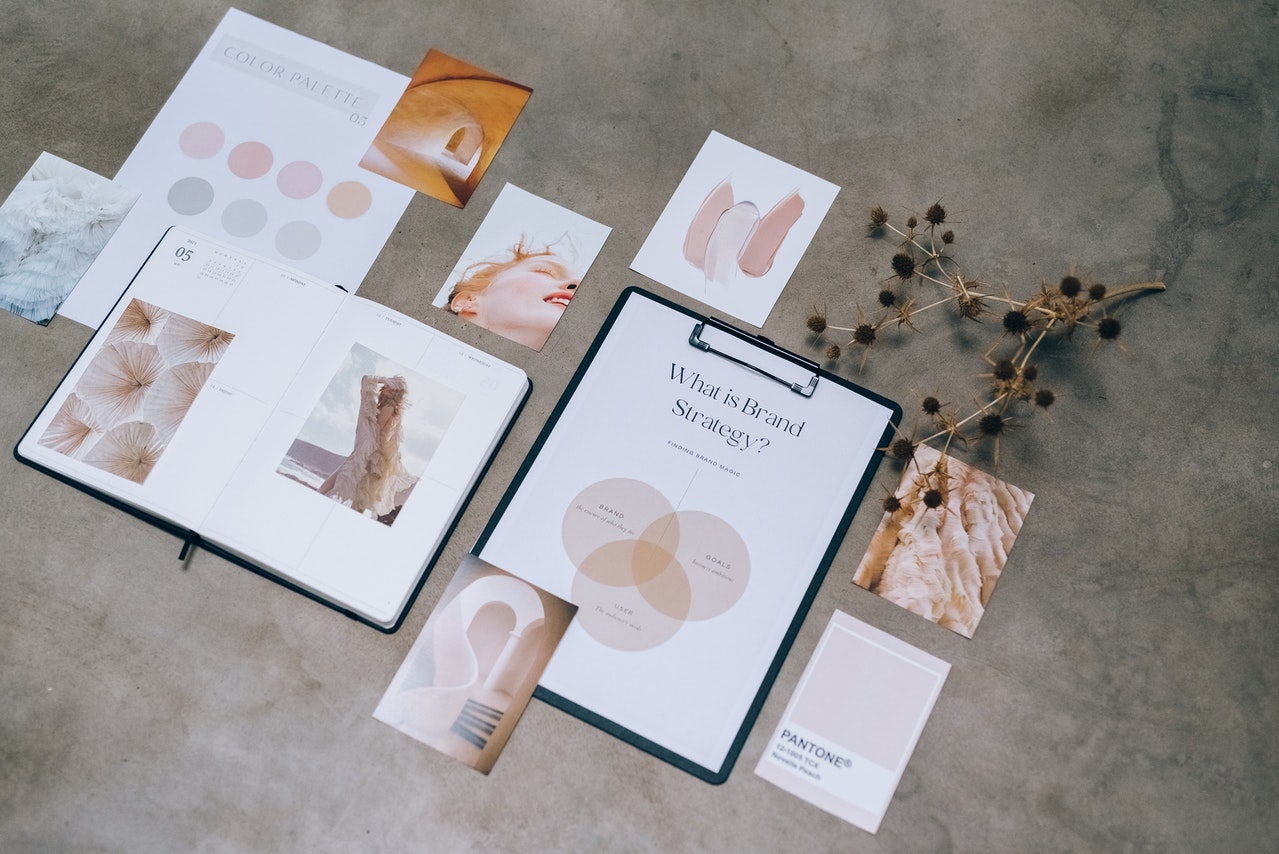
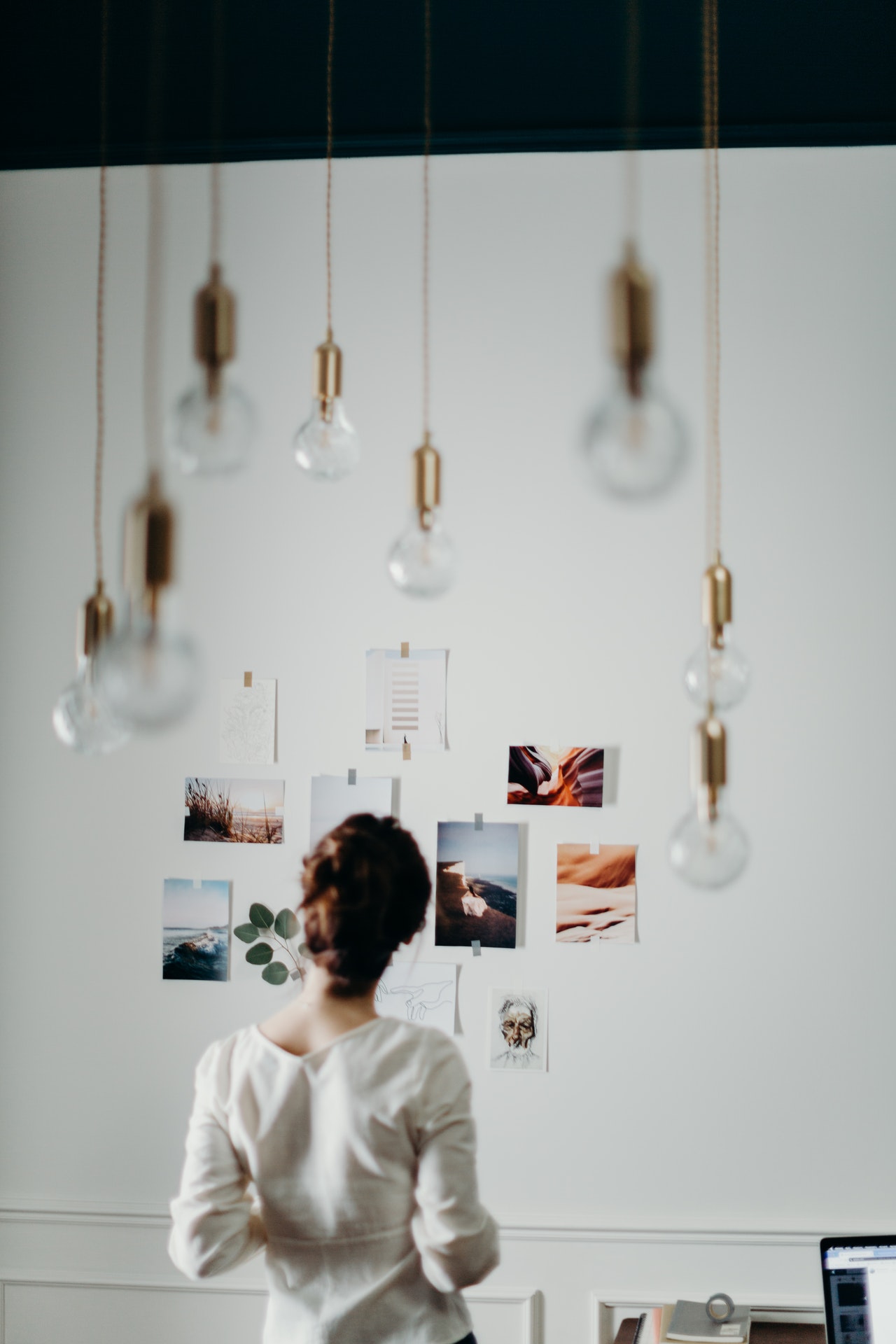
If you don’t know what are moodboards, they are a great way to plan out your photography or shoot idea, and are indispensable for when you require a pull letter. They are a collection of images that reflect the mood, theme, and feel that you want to capture in your photos. Moodboards can be used for any type of photography, but they are especially helpful for fashion photographers. They can contain anything from magazine clippings, photographs, paint chips, fabric swatches, etc., all neatly organized into categories related to the project at hand.

Why are they so important for fashion photographers?  

Moodboards have been around for centuries and have been used by many different creative professionals in various industries. Fashion photographers use them to give their clients a better idea of the mood they want to portray in their images. They show what colours, textures, patterns and styles will be featured in the final photo shoot.

One of the main reasons they are important is that they also give a point of reference to the others collaborating on the shoot, such as the hairstylist, the makeup artist, the wardrobe stylist, and even the model. Moodboards give fashion photographers a chance to create a cohesive look and feel for the photos they are about to take.

How do I make a Moodboard?

This won’t suprise many, but most moodboard have to start with an idea …. and images ! You can find them on Pinterest, which is one of the best places to find some truly inspiring fashion photos. You create a board full of images, and then you can cull out images that are not relevant anymore.

Once this is done, you can open any application and make a detailed document, doing different sections on each pages.

These sections are often:

  • general aesthetic or mood
  • hair and make up
  • styling and wardrobe details
  • poses and feeling
  • location, lighting, colors
  • props
  • anything else that feels relevant!

Why do I create these documents? 

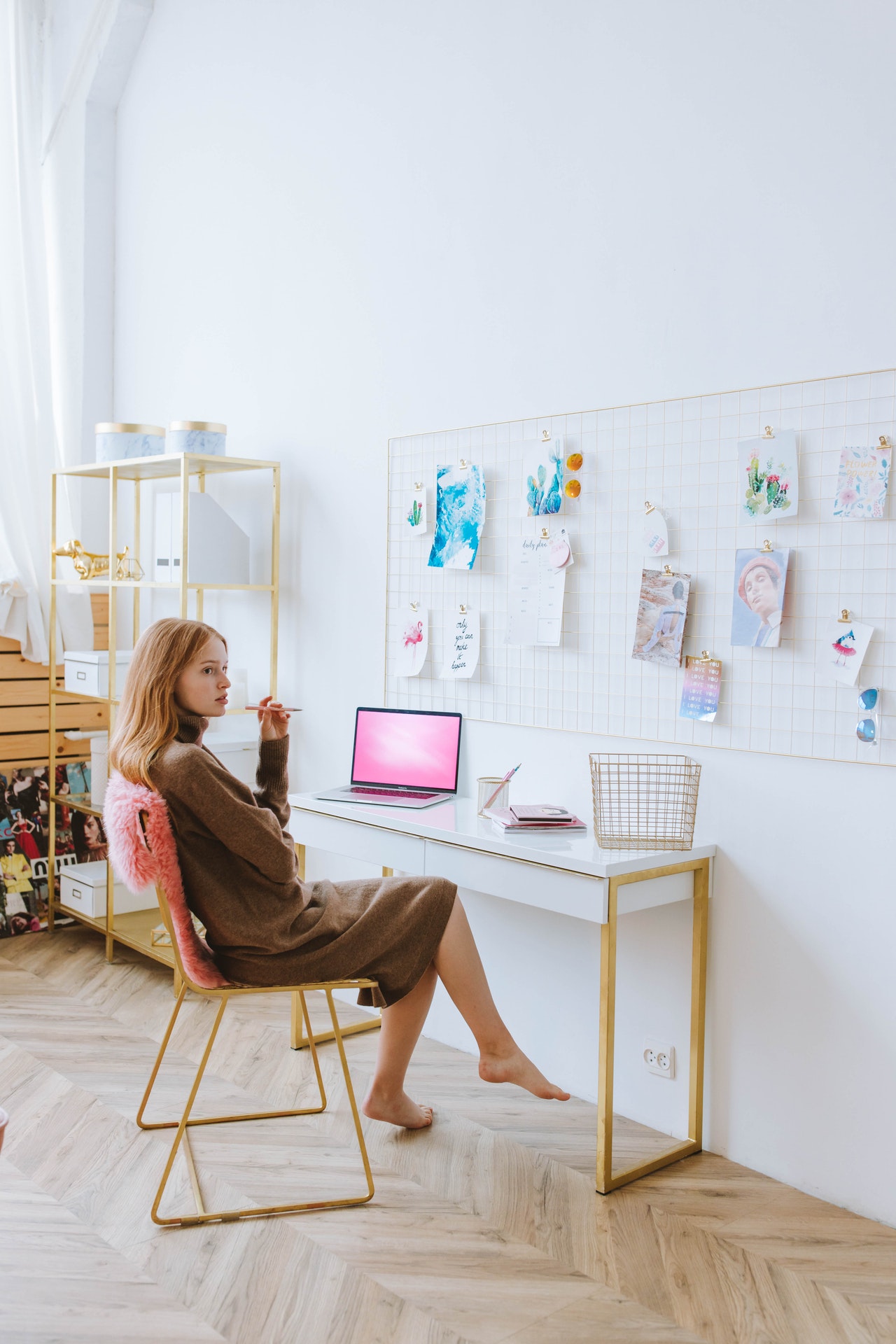
Moodboards are an important part of the creative process because they help us to visualize our ideas and plan for the future, and also help your team be able to work towards the same visual aesthetic.

Moodboards can be used in a variety of ways:

  • To get inspiration for new design projects
  • To create a board with inspirational images and words
  • To document the design process
  • To collaborate with other designers on a project
Total
3
Shares
Share 0
Tweet 0
Pin it 3
You May Also Like
Elegant jewelry set displayed on a seashell with a soft, neutral background.
View Post
  • Fashion

The Craft Behind the Object: Inside Bespoke Jewellery Design

  • July 18, 2026
Woman smiling in a luxury car, black and white photo.
View Post
  • Film
  • Interview

A dream come true for Iris Lebedeva 

  • July 16, 2026
Assorted jewelry displayed on decorative wooden and ceramic trays.
View Post
  • Fashion

How to Start a Sustainable Jewelry Line: A Guide for Indie Brands

  • July 13, 2026
Vibrant night festival in forest with colorful lights and lively crowd.
View Post
  • Music

The Forest Remembers: Inside Electric Forest 2026

  • June 30, 2026
Singer on stage with dynamic red and white lights during a live concert performance.
View Post
  • Music

Joji Takes the Solaris Tour Global

  • June 26, 2026
Person in a white dress sitting elegantly on a chair with a black background.
View Post
  • Art
  • Culture

Told and Retold: Why We Cannot Look Away from Marilyn

  • June 26, 2026
Elegant woman in sheer white dress with delicate frills, soft light background.
View Post
  • Fashion

5 Wedding Trends to Look Out for in 2026

  • June 25, 2026
Woman gazing into distance, wind in hair, wearing white top, against sky background.
View Post
  • First Page
  • Interview
  • Music

Charlotte Cardin reflects on “Take Me Back” 

  • June 25, 2026
FLANELLE
  • Advertise With Us
  • Submit Your Work
  • Request a Pull-Letter
  • About Us
  • Contact
Fashion Photography, Arts and Culture Magazine

Input your search keywords and press Enter.

Manage Consent
To provide the best experiences, we use technologies like cookies to store and/or access device information. Consenting to these technologies will allow us to process data such as browsing behavior or unique IDs on this site. Not consenting or withdrawing consent, may adversely affect certain features and functions.
Functional Always active
The technical storage or access is strictly necessary for the legitimate purpose of enabling the use of a specific service explicitly requested by the subscriber or user, or for the sole purpose of carrying out the transmission of a communication over an electronic communications network.
Preferences
The technical storage or access is necessary for the legitimate purpose of storing preferences that are not requested by the subscriber or user.
Statistics
The technical storage or access that is used exclusively for statistical purposes. The technical storage or access that is used exclusively for anonymous statistical purposes. Without a subpoena, voluntary compliance on the part of your Internet Service Provider, or additional records from a third party, information stored or retrieved for this purpose alone cannot usually be used to identify you.
Marketing
The technical storage or access is required to create user profiles to send advertising, or to track the user on a website or across several websites for similar marketing purposes.
  • Manage options
  • Manage services
  • Manage {vendor_count} vendors
  • Read more about these purposes
View preferences
  • {title}
  • {title}
  • {title}