FLANELLE
  • Magazines
  • Directory
  • Interviews
  • Fashion
  • Travel
  • Culture
  • Contact
  • Advertise With Us
  • Advertise With Us
  • Submit Your Work
  • Request a Pull-Letter
  • About Us
  • Contact
FLANELLE
FLANELLE
  • MAGAZINES
  • INTERVIEWS
  • Fashion
    • EDITORIALS
    • LOOKBOOKS
    • RUNWAY
  • TRAVEL
  • CULTURE
    • ART & DESIGN
    • ARCHITECTURE
    • BEAUTY
    • FILM
    • LUXURY
    • LIFESTYLE
    • MUSIC
    • TECHONOLOGY
  • DIRECTORY
  • Culture
  • Fashion
  • Photography

How to create a moodboard

Total
3
Shares
0
0
3

What is a moodboard?

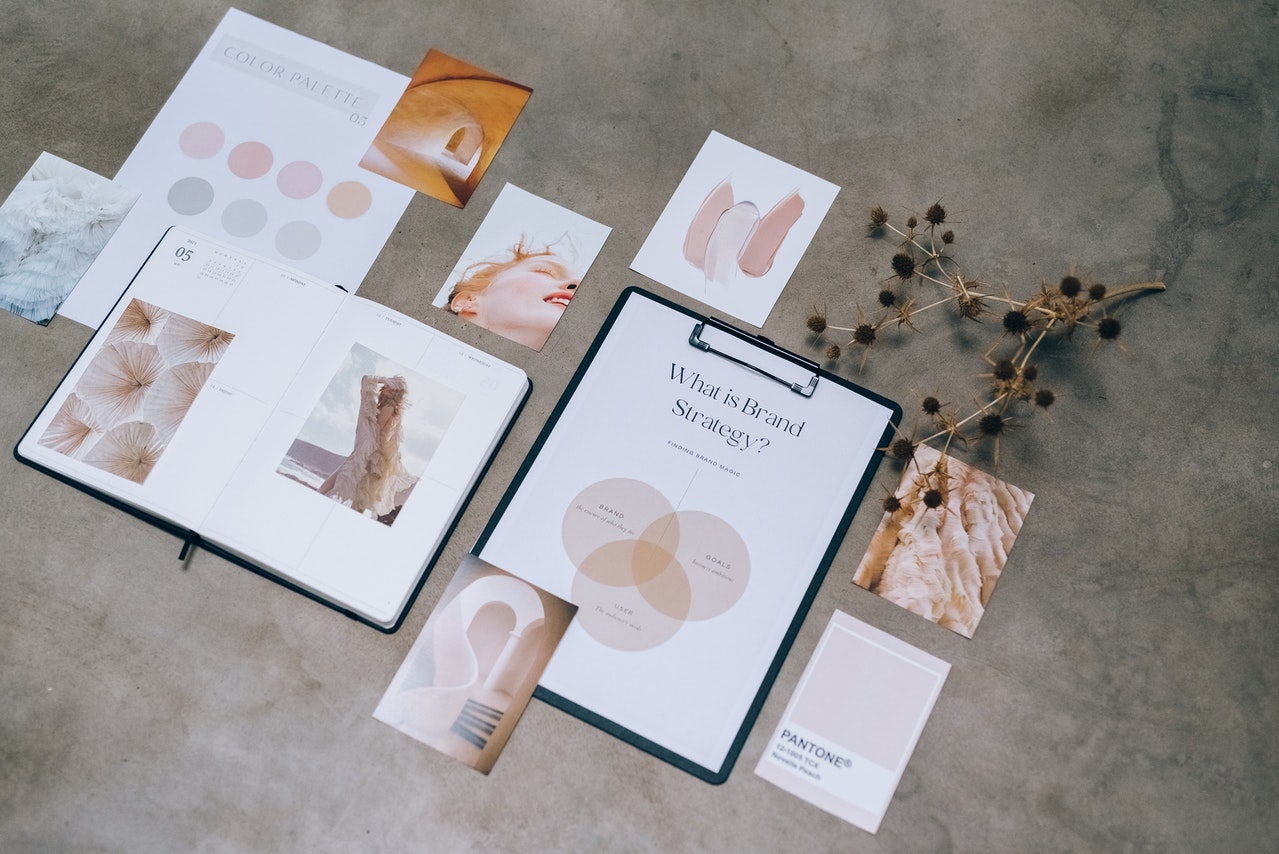
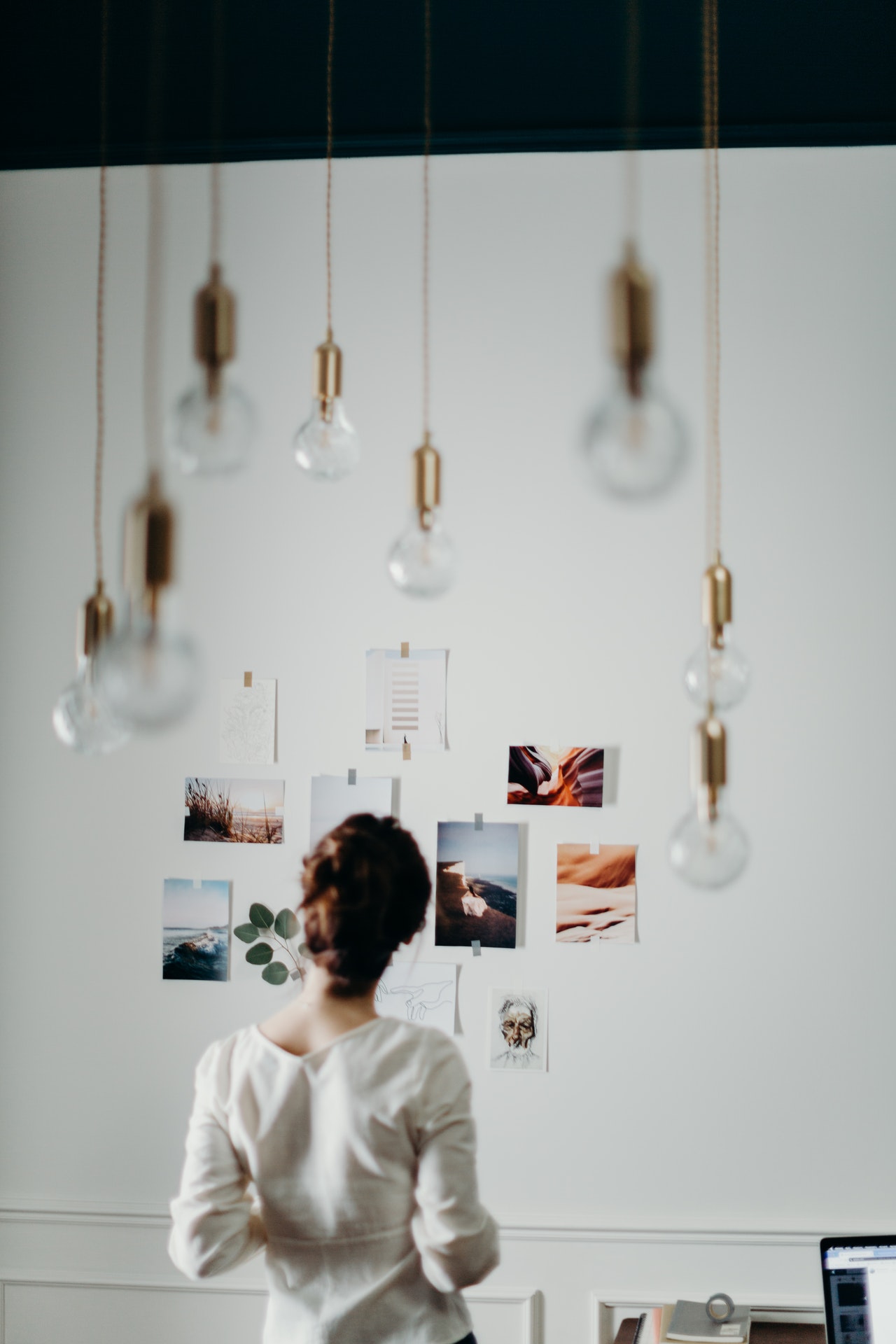
If you don’t know what are moodboards, they are a great way to plan out your photography or shoot idea, and are indispensable for when you require a pull letter. They are a collection of images that reflect the mood, theme, and feel that you want to capture in your photos. Moodboards can be used for any type of photography, but they are especially helpful for fashion photographers. They can contain anything from magazine clippings, photographs, paint chips, fabric swatches, etc., all neatly organized into categories related to the project at hand.

Why are they so important for fashion photographers?  

Moodboards have been around for centuries and have been used by many different creative professionals in various industries. Fashion photographers use them to give their clients a better idea of the mood they want to portray in their images. They show what colours, textures, patterns and styles will be featured in the final photo shoot.

One of the main reasons they are important is that they also give a point of reference to the others collaborating on the shoot, such as the hairstylist, the makeup artist, the wardrobe stylist, and even the model. Moodboards give fashion photographers a chance to create a cohesive look and feel for the photos they are about to take.

How do I make a Moodboard?

This won’t suprise many, but most moodboard have to start with an idea …. and images ! You can find them on Pinterest, which is one of the best places to find some truly inspiring fashion photos. You create a board full of images, and then you can cull out images that are not relevant anymore.

Once this is done, you can open any application and make a detailed document, doing different sections on each pages.

These sections are often:

  • general aesthetic or mood
  • hair and make up
  • styling and wardrobe details
  • poses and feeling
  • location, lighting, colors
  • props
  • anything else that feels relevant!

Why do I create these documents? 

Moodboards are an important part of the creative process because they help us to visualize our ideas and plan for the future, and also help your team be able to work towards the same visual aesthetic.

Moodboards can be used in a variety of ways:

  • To get inspiration for new design projects
  • To create a board with inspirational images and words
  • To document the design process
  • To collaborate with other designers on a project
Total
3
Shares
Share 0
Tweet 0
Pin it 3
You May Also Like
Modern hotel room with dim lighting, glass divider, and cozy ambiance.
View Post
  • Architecture
  • Stays

Studio KO Digs Fourteen Meters Down to Bring Paris’s Most Mythical Club Back to Life

  • June 1, 2026
Woman in colorful fur outfit with artistic headpiece against blurred background.
View Post
  • Art
  • Culture

Björk Opens Major Exhibition at the National Gallery of Iceland

  • June 1, 2026
Woman in olive dress with black bag, posing by seaside stone wall.
View Post
  • Fashion

FELUS’s ION Bag: The Case for a Bag That Takes Six Weeks to Make

  • May 25, 2026
Minimalist room with geometric chairs, round table, and hanging light fixture.
View Post
  • Home

Material Stories: How Furniture Shapes a Room

  • May 28, 2026
View Post
  • Home

Beyond the Screen: Designing the Modern Living Space with Loewe’s stellar TV

  • May 28, 2026
Woman in black outfit surrounded by vinyl records, lying on a white circular surface.
View Post
  • Photography

Studio Fashion Photography Tips From Daria Koso

  • May 25, 2026
Stylish patio with wicker chairs and a poolside view basking in the sun.
View Post
  • Home

How to Set Up Your Outdoor Space for a Crowd This Summer

  • May 25, 2026
Modern architectural structure against a clear blue sky.
View Post
  • Architecture

Architecture in Motion: Spaces as Stories Before Build

  • May 25, 2026
FLANELLE
  • Advertise With Us
  • Submit Your Work
  • Request a Pull-Letter
  • About Us
  • Contact
Fashion Photography, Arts and Culture Magazine

Input your search keywords and press Enter.

Manage Consent
To provide the best experiences, we use technologies like cookies to store and/or access device information. Consenting to these technologies will allow us to process data such as browsing behavior or unique IDs on this site. Not consenting or withdrawing consent, may adversely affect certain features and functions.
Functional Always active
The technical storage or access is strictly necessary for the legitimate purpose of enabling the use of a specific service explicitly requested by the subscriber or user, or for the sole purpose of carrying out the transmission of a communication over an electronic communications network.
Preferences
The technical storage or access is necessary for the legitimate purpose of storing preferences that are not requested by the subscriber or user.
Statistics
The technical storage or access that is used exclusively for statistical purposes. The technical storage or access that is used exclusively for anonymous statistical purposes. Without a subpoena, voluntary compliance on the part of your Internet Service Provider, or additional records from a third party, information stored or retrieved for this purpose alone cannot usually be used to identify you.
Marketing
The technical storage or access is required to create user profiles to send advertising, or to track the user on a website or across several websites for similar marketing purposes.
  • Manage options
  • Manage services
  • Manage {vendor_count} vendors
  • Read more about these purposes
View preferences
  • {title}
  • {title}
  • {title}